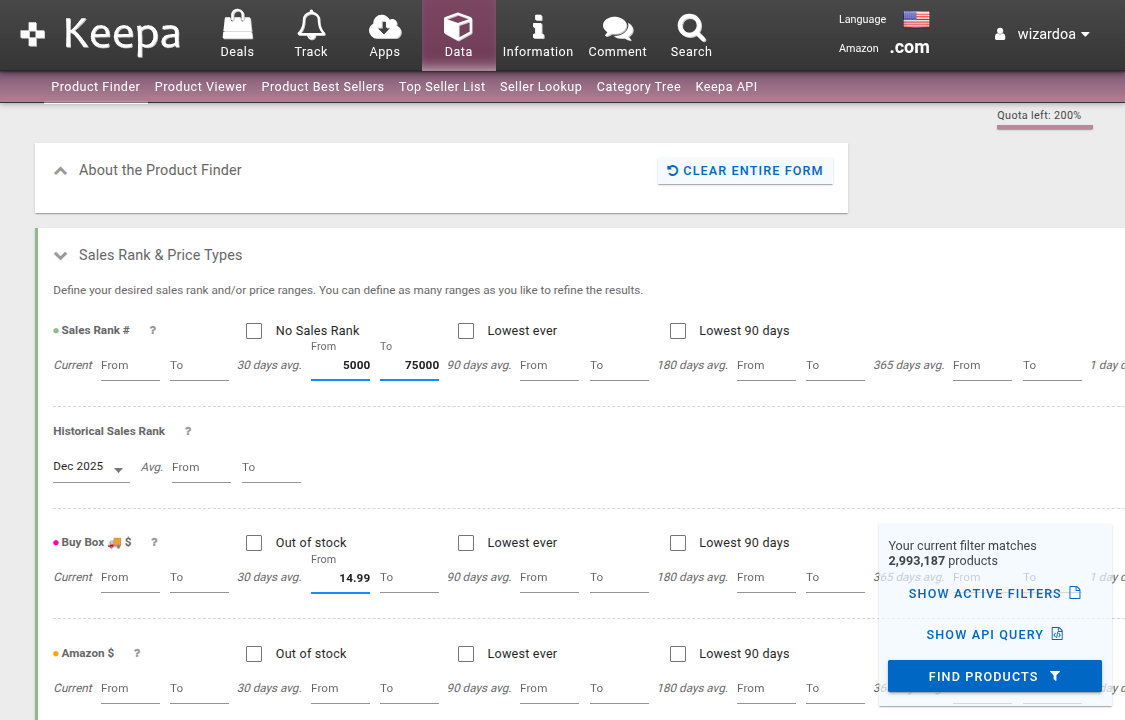
Using the Keepa Product Finder
The Keepa Product Finder is the recommended method of fetching listing data from Keepa. Using the Keepa Product Finder allows WizardOA to skip querying the Keepa API, which will make your jobs run faster and eliminates the risk of exhausting your Keepa API tokens.
Using the Keepa Product Viewer
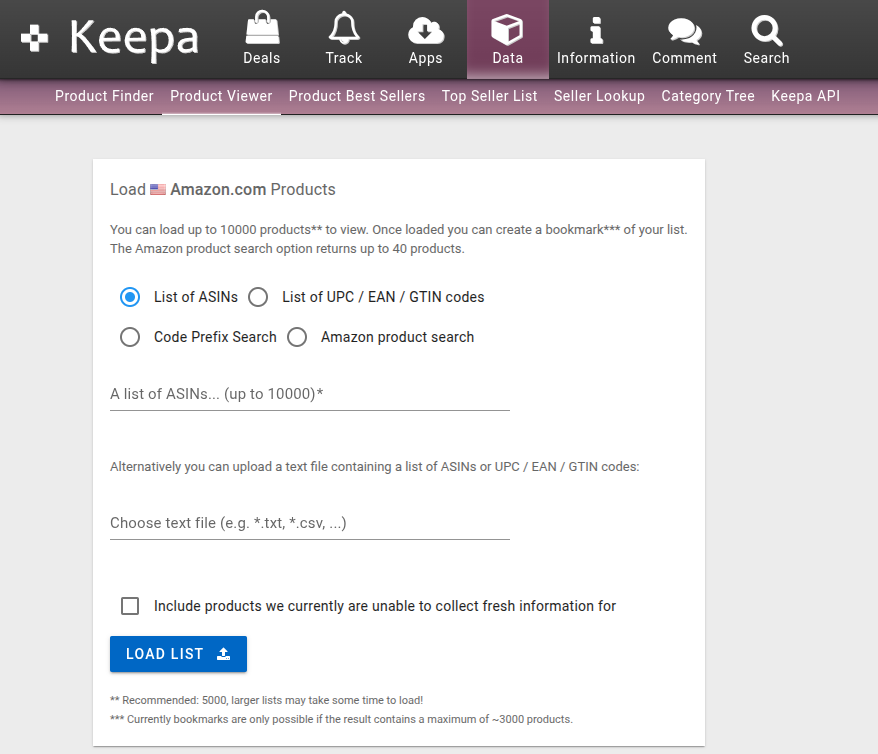
If you wish to load a list of arbitrary ASINs instead of finding new ones, use the Keepa Product Viewer. Like the Keepa Product Finder, this allows WizardOA to skip querying the Keepa API. Enter a list of ASINs, then click Load List. Everything else is identical to the Keepa Product Finder.
Loading the WizardOA column preset in Keepa
Before exporting from the Keepa Product Finder, you must load the WizardOA column preset. This will ensure that the exported CSV contains all the columns WizardOA needs.
If you have customized your columns, save them to a preset so you don’t lose them.
-
Download the WizardOA column preset file.
-
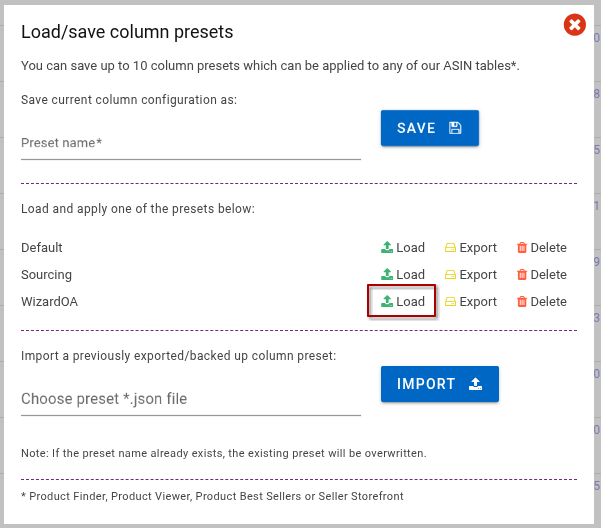
Click Configure Columns in the toolbar, then click Load/save preset
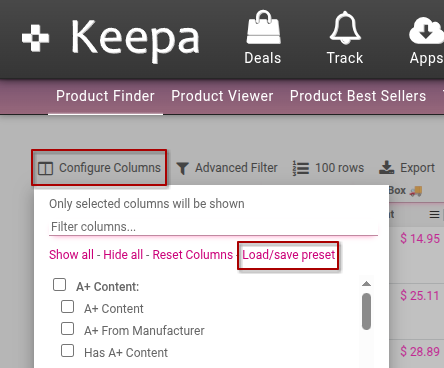
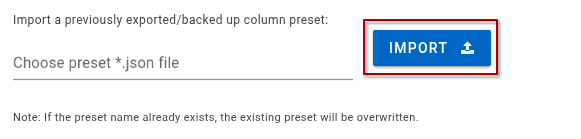
- Import the WizardOA column preset file you downloaded earlier.
- The WizardOA preset will appear in the presets list. Click Load to use it.
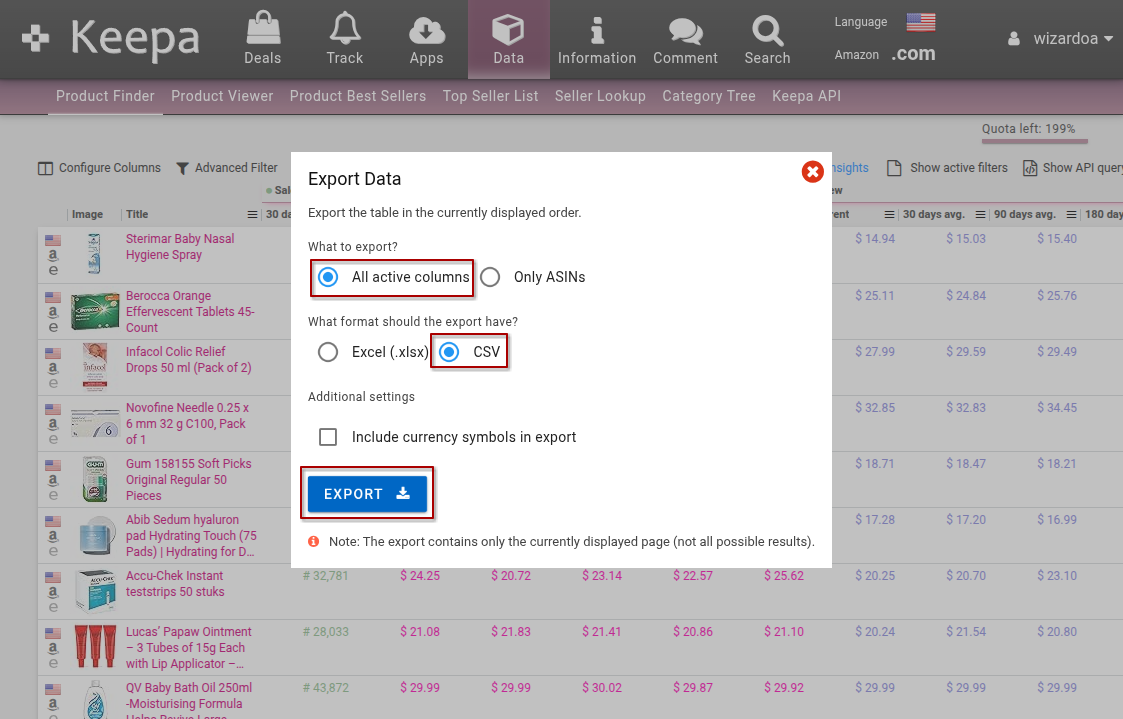
Exporting ASIN data from the Keepa Product Finder
When you are ready to export from the Keepa Product Finder, click Export in the toolbar. An export dialog will appear. Ensure that you are exporting All active columns in the CSV format. Click Export, and the file will be downloaded.