View job results
Job results can be viewed while a job is running by clicking View Live Results.
Completed job results can be viewed by navigating to the History pane and clicking View Results for the desired job.
To prevent your browser’s storage database from growing too large (which would negatively impact performance), WizardOA only keeps the 30 most recent jobs. Older jobs are automatically deleted.
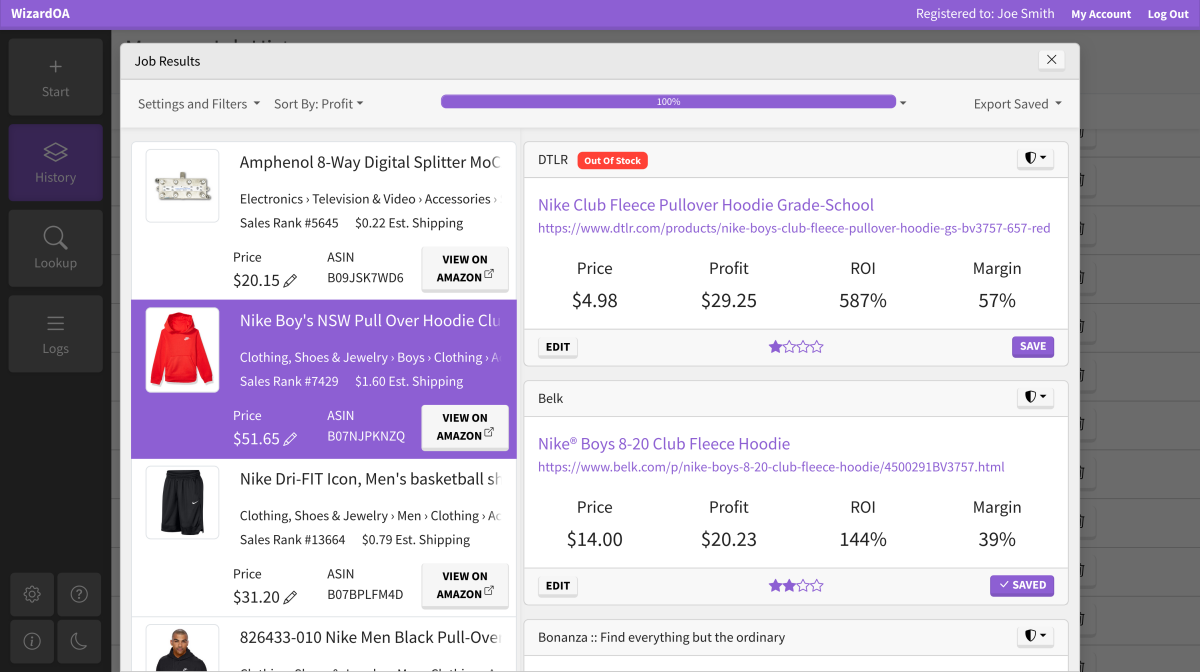
Edit filters
Profitability settings and filters may be edited at any time by clicking Settings and Filters. A dialog will open with available settings to change. Clicking Update will apply the settings.
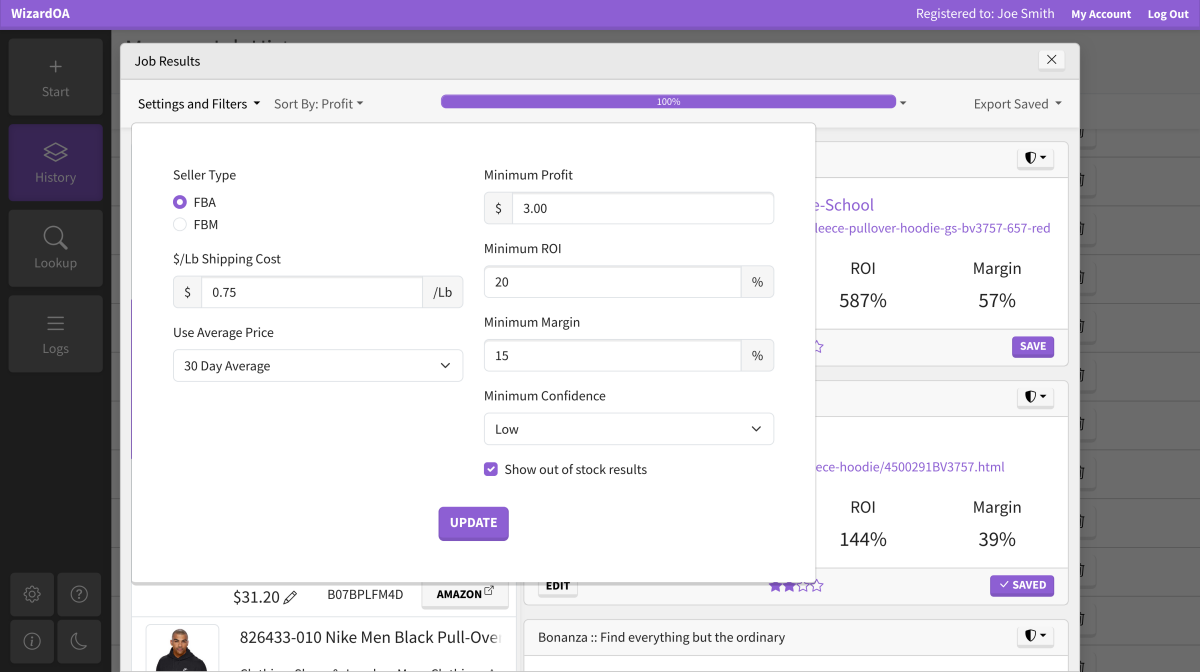
Edit sorting
Click Sort By to choose how you want to see results sorted.
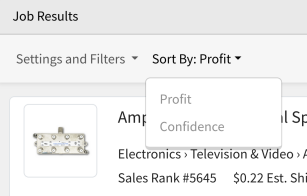
Confidence details
Hover over the stars on a result to see what types of queries were matched.
Multipack prices
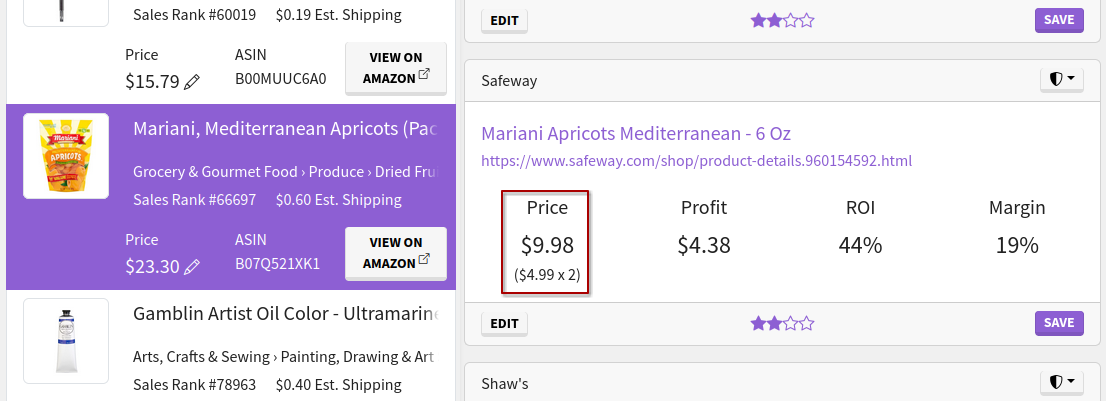
Detected multipack price breakdowns display beneath the calculated price.
Edit results
A result may be edited by clicking Edit. Alter the details, then click Update.
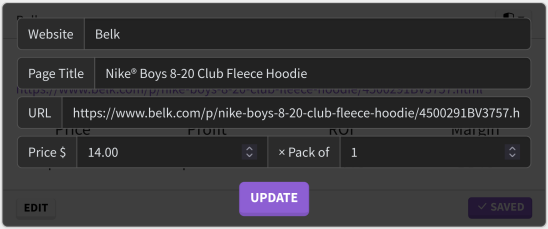
Editing a result’s price, pack, or URL may cause it to disappear if it no longer matches your set filters. If you save the result before editing, the edited version will still be in the exported CSV.
Vetting suppliers
WizardOA does not vet suppliers, that is entirely your responsibility. However, we try to make it easier by providing links to popular review websites. Click the shield button to see these links.
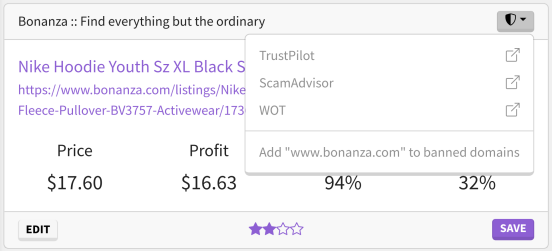
If you decide not to trust a supplier, you can add it to the banned domains list by clicking Add to banned domains. The result will immediately disappear, along with any other results from that domain in any of your jobs.
Save results
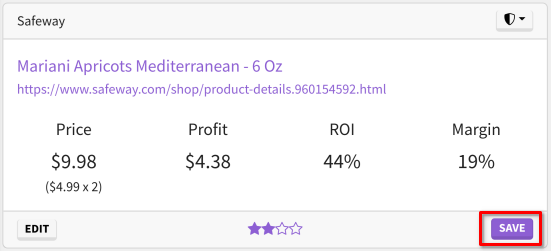
Click Save to mark a result as saved. The result will now appear in exported CSV files.
Export saved results
Click Export Saved to choose a format. A CSV file containing your saved results will be generated and downloaded.
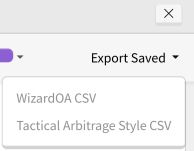
While the Tactical Arbitrage Style CSV has the same headers as a Tactical Arbitrage export, WizardOA is not a replacement for TA. WizardOA does not record or calculate as much information as TA does, and thus columns will be missing from the export. If you need these missing columns, we recommend running your WizardOA export through TA to get them.