Setting up WizardOA
When you first launch WizardOA on a new browser, you will be greeted with the setup page. Follow the directions to set up WizardOA.
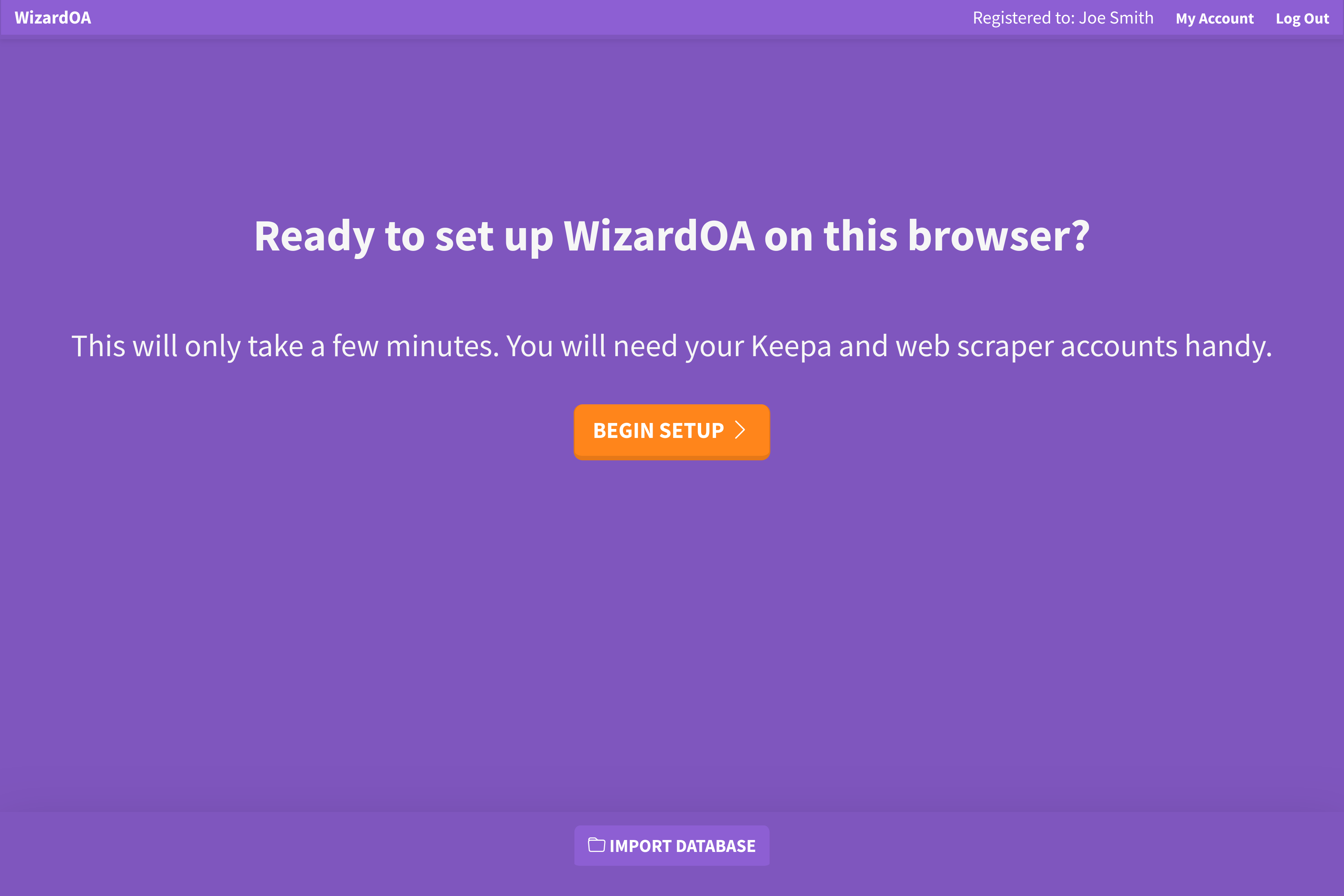
If you are transferring a database backup, you can skip the setup process and import it directly by clicking Import Database at the bottom of the setup screen.
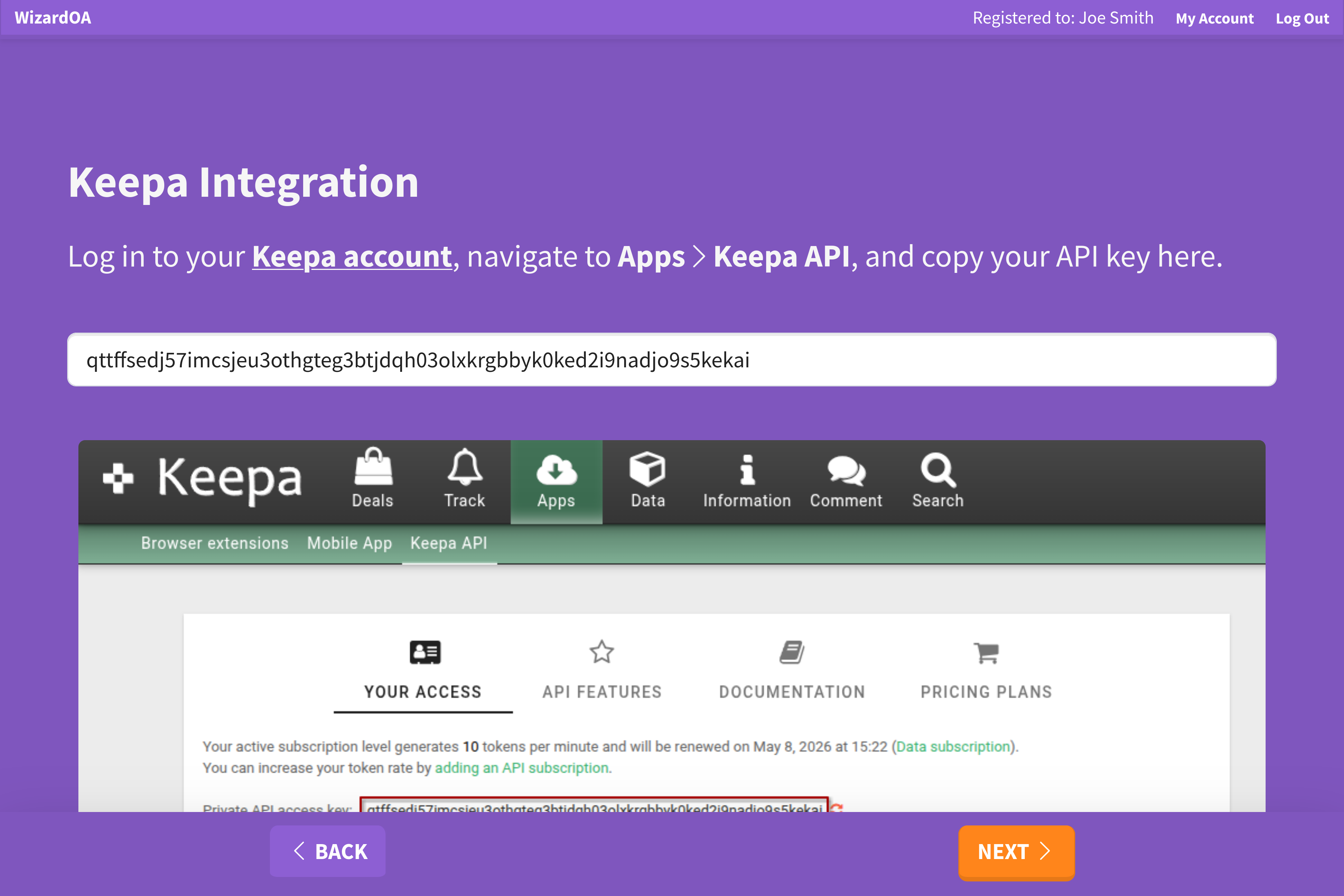
Keepa integration
First you need to provide your Keepa API key so WizardOA can request Amazon listing data from Keepa. Log in to your Keepa account, navigate to Apps > Keepa API, and copy your API key to WizardOA.
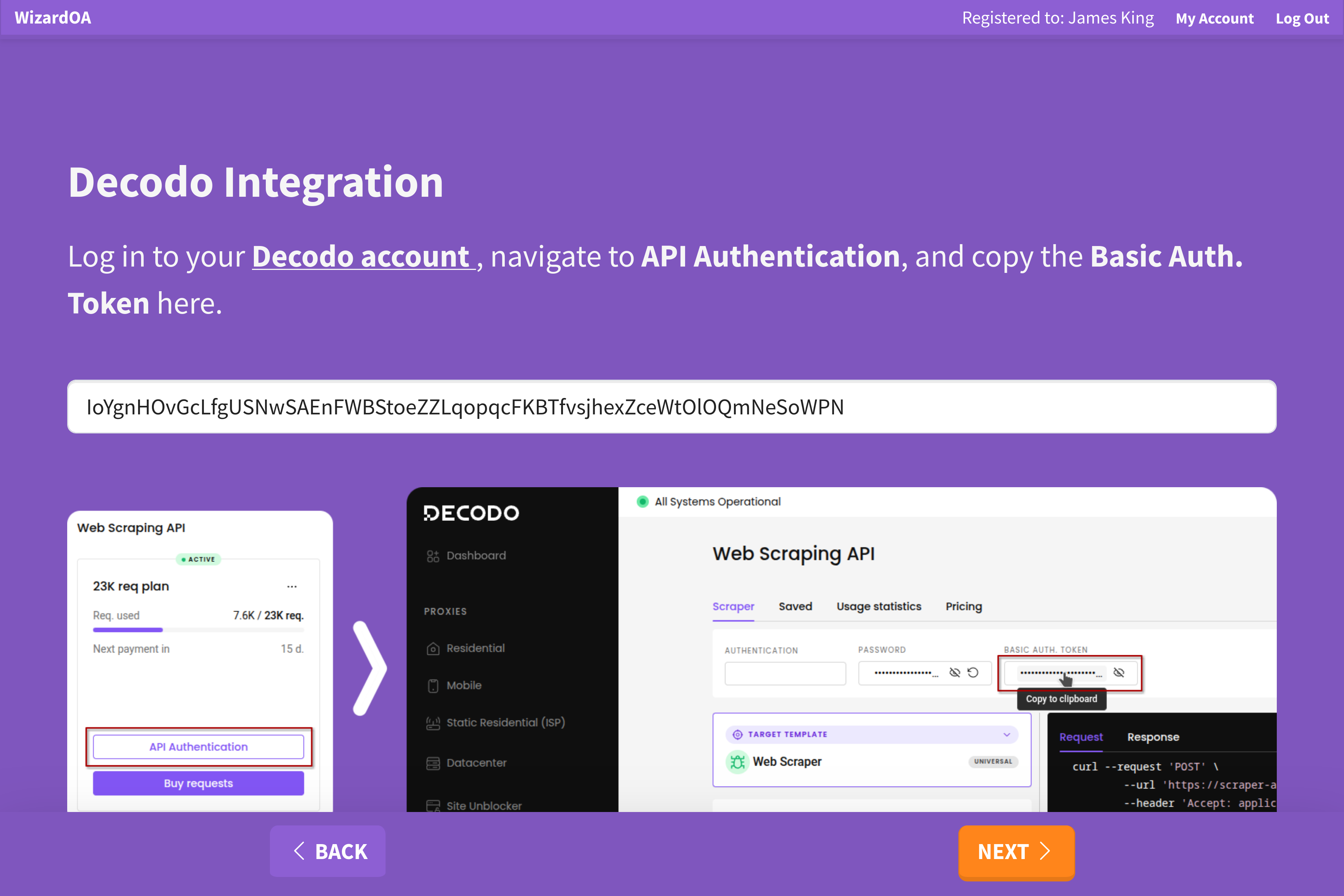
Decodo integration
Next you need to provide your Decodo API key so WizardOA can fetch search engine results. Login to your Decodo account, navigate to API Authentication, and copy your Basic Auth. Token to WizardOA.
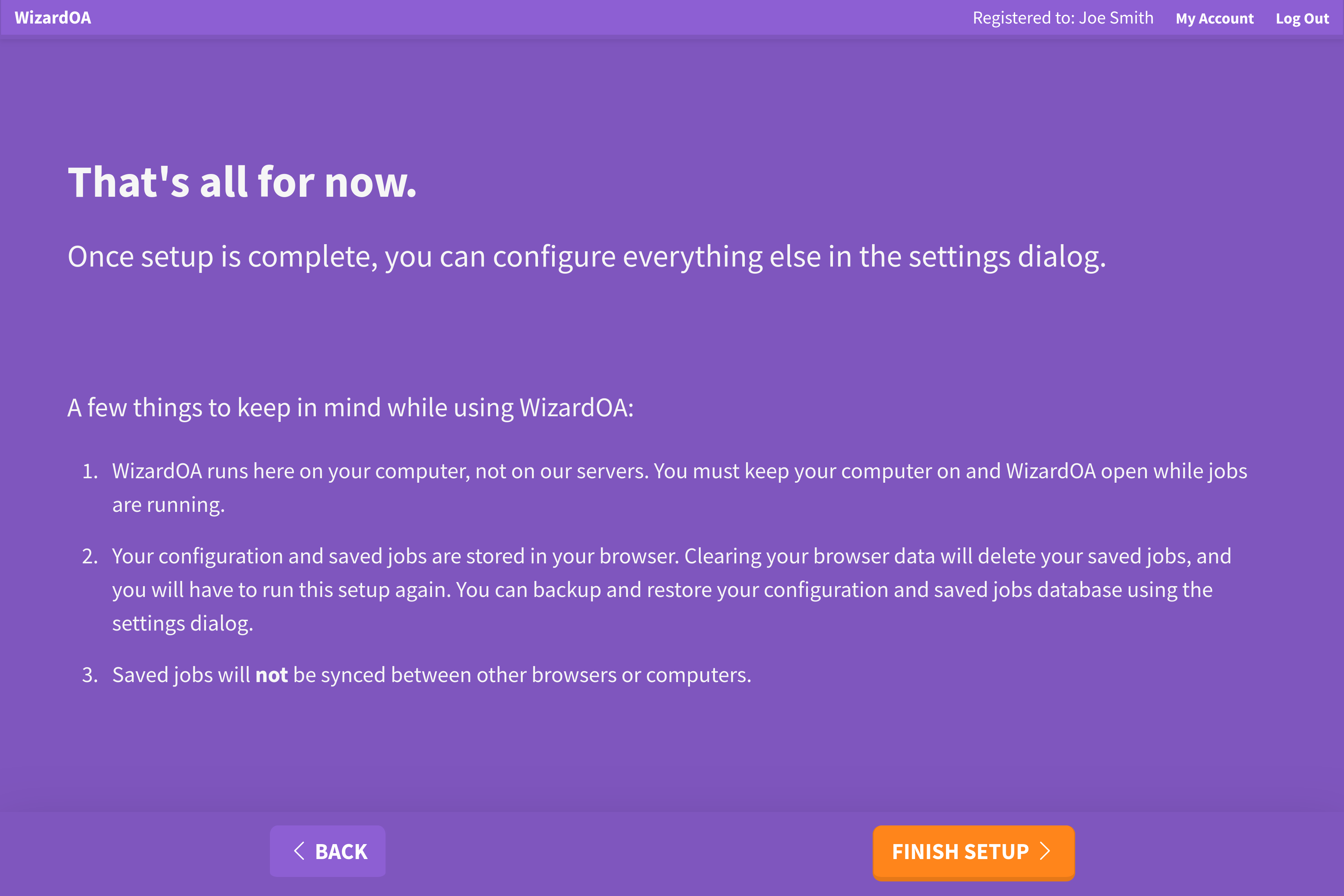
Finish setup
Your setup in complete! However, there are still some settings you probably will want to configure. The settings pane will automatically open after you click Finish Setup.